
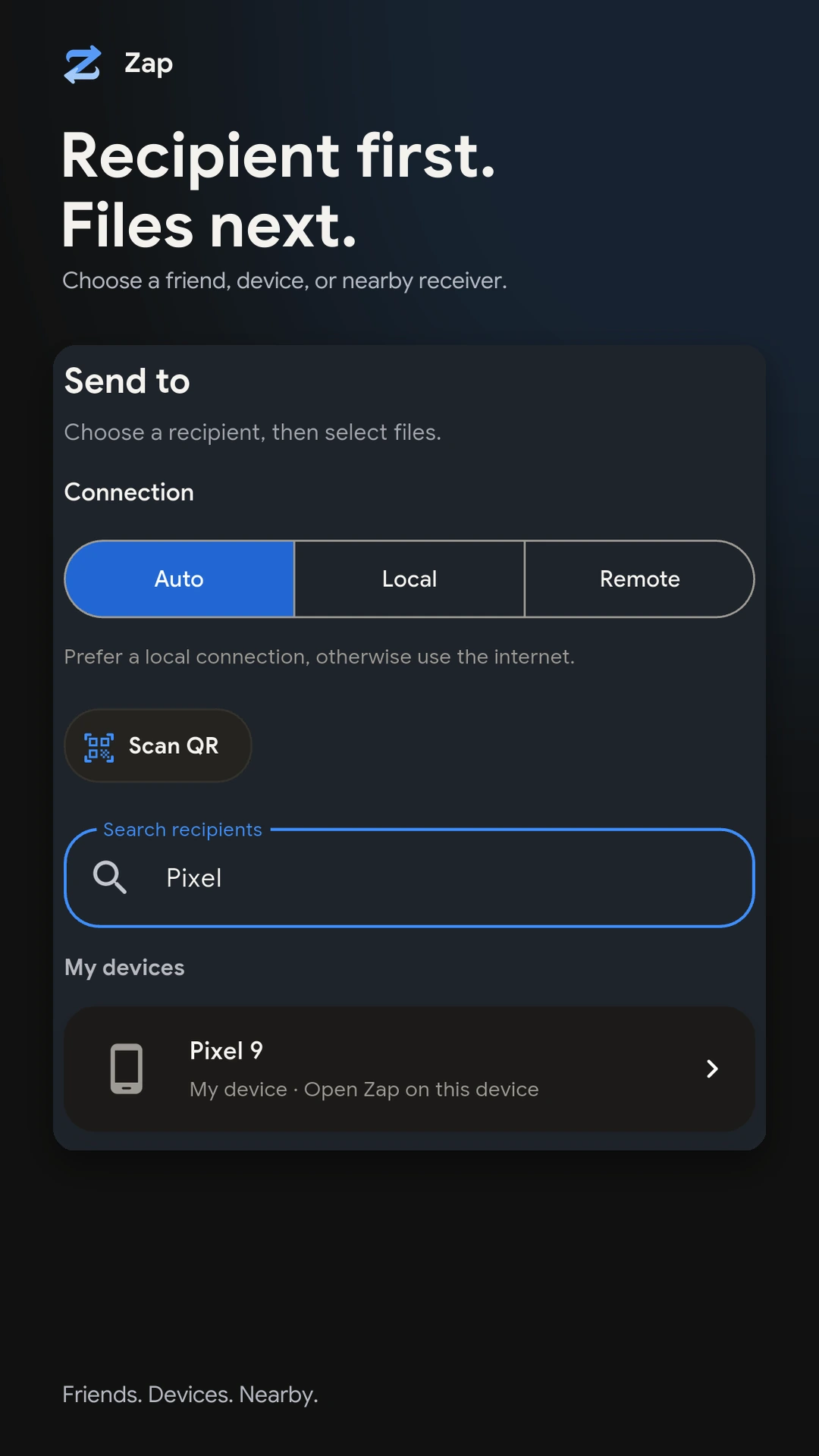
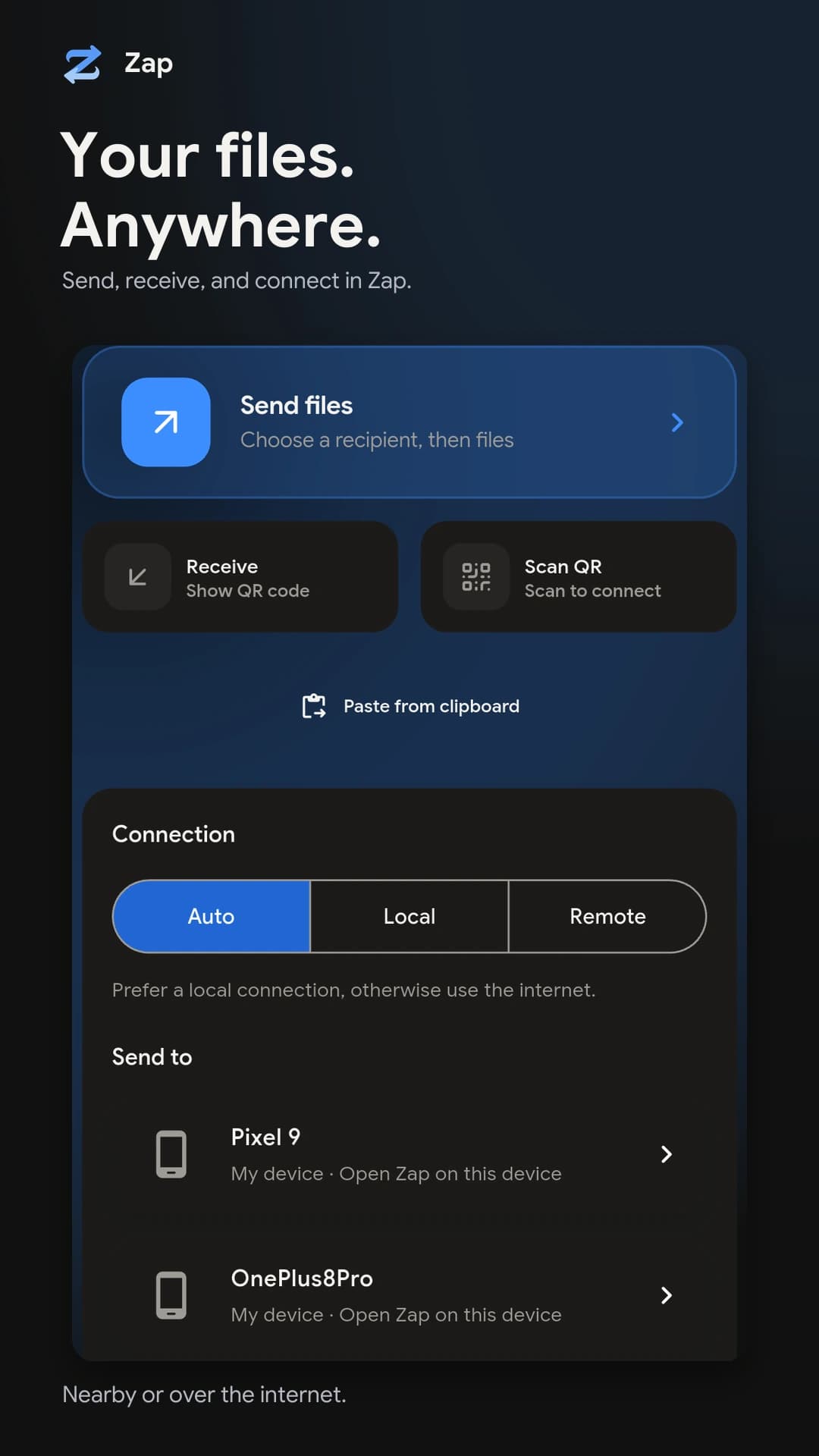
Why send it directly
A cloud link makes you upload first and leaves a copy behind. Zap skips both.
Three ways to reach someone
On Auto, Zap picks the route. You can also choose one.
The app
A short walkthrough, then the screens.
Home Choose a recipient 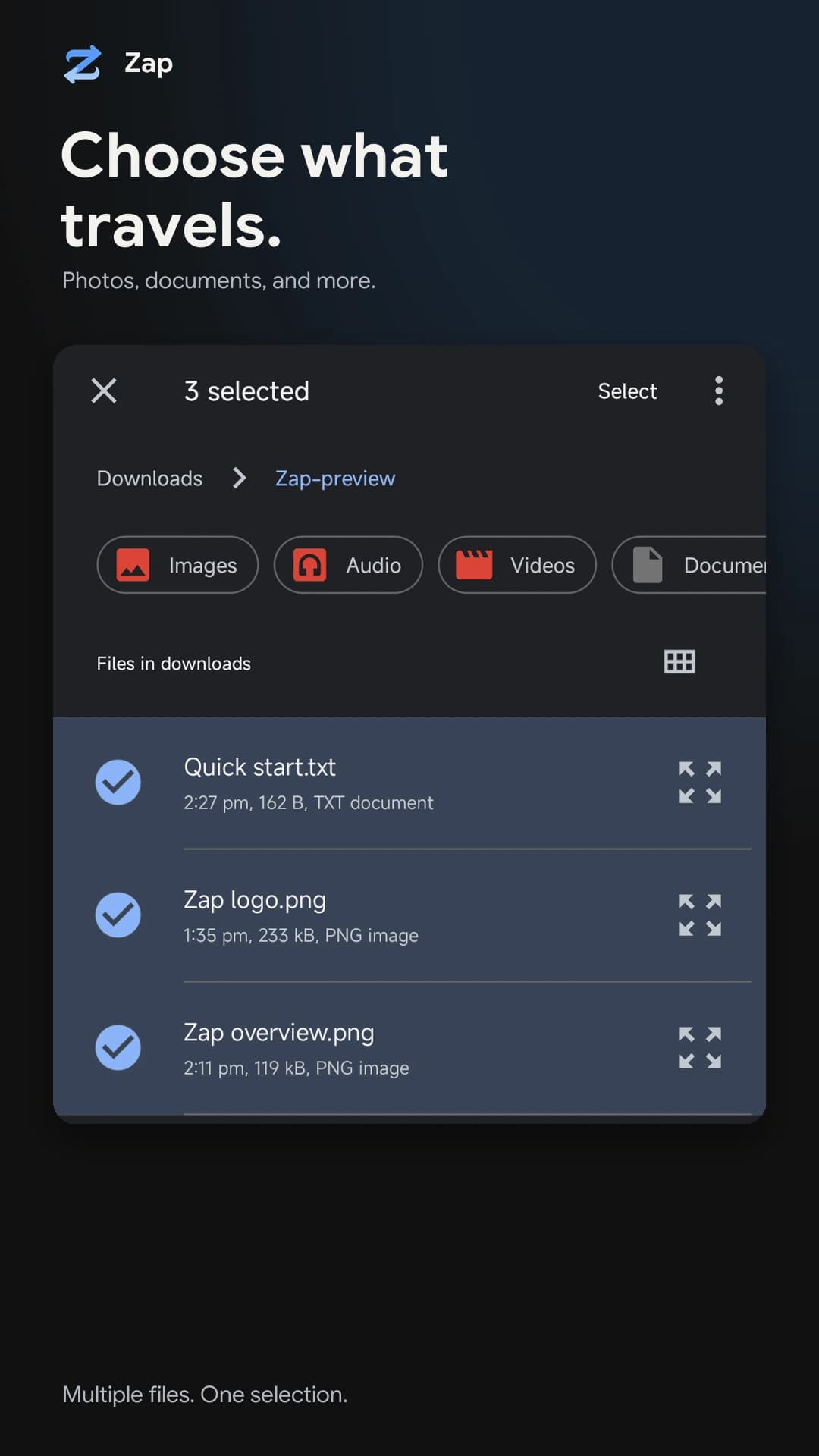
Choose files 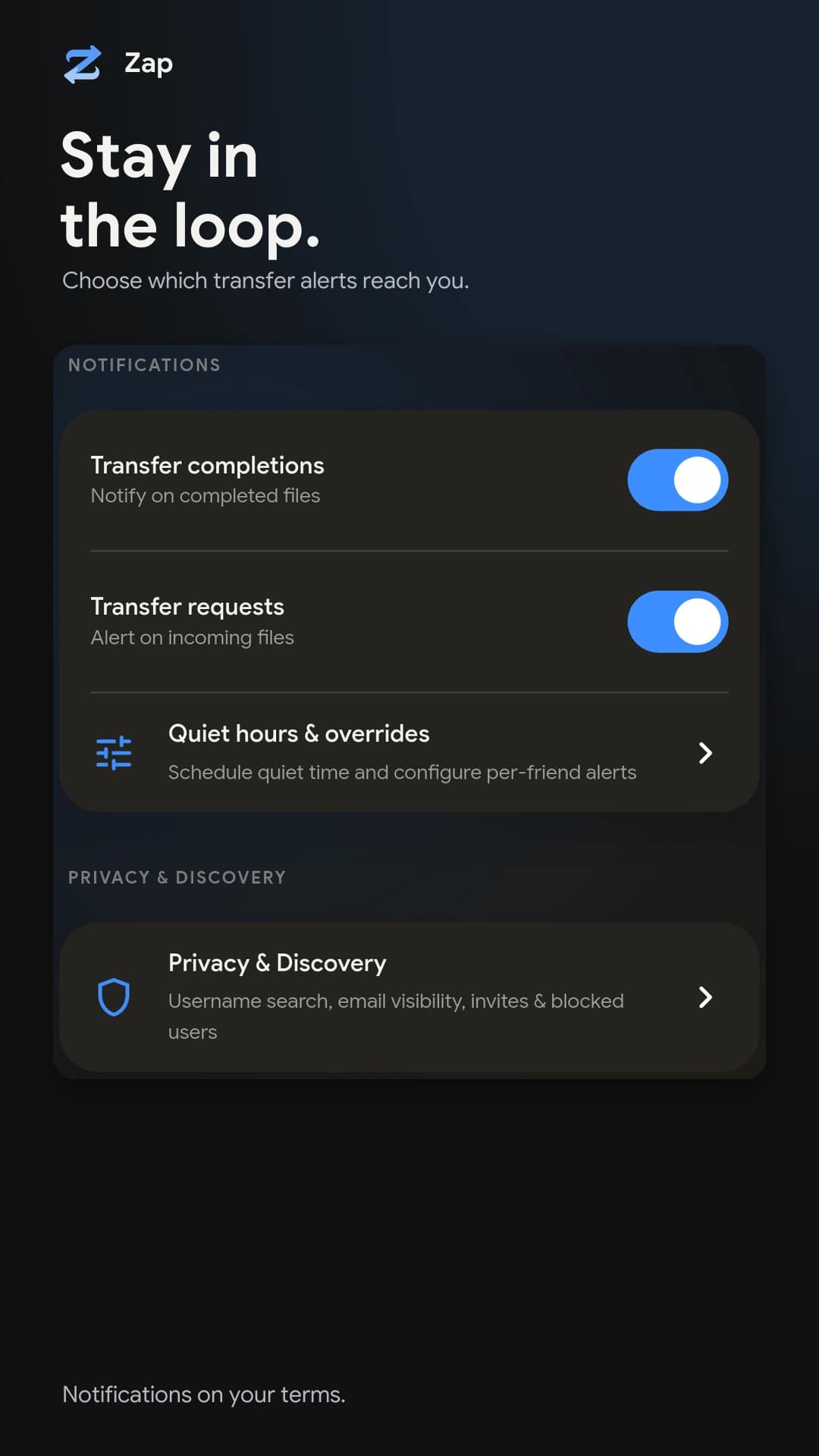
Alerts 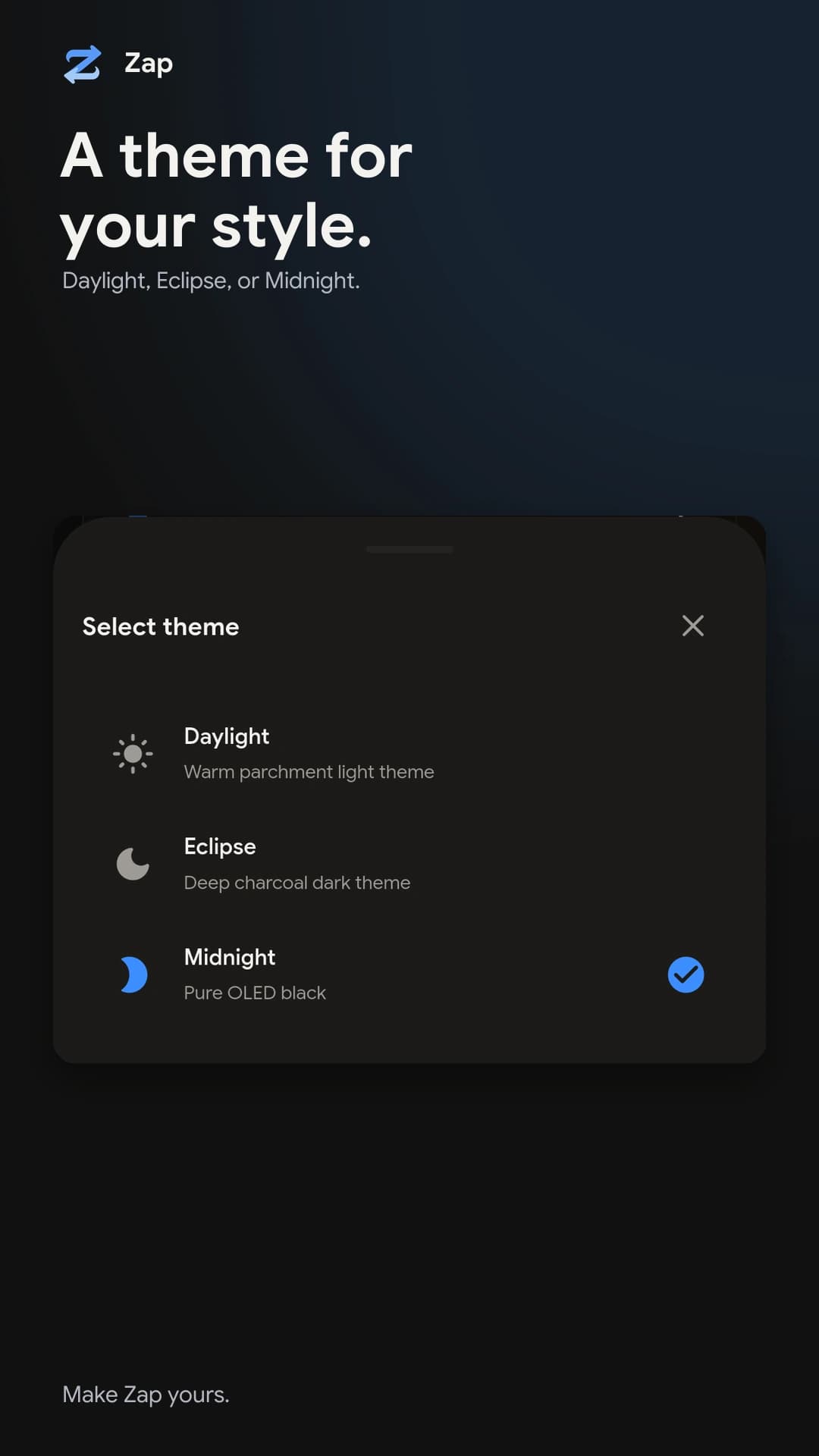
Themes
How a transfer goes
Pick who, then what
Choose a device, a friend or a nearby receiver, then select files or whole folders. Auto picks the route; you can force Local or Remote.
Confirm the connection
Nearby sessions pair with a QR scan or verification code. Remote ones connect automatically. The receiver gets a request to accept.
Send and check
Files stream directly between the devices and each one is checksummed on arrival. The result stays in your history.
Security
What protects a transfer, and where your files do and do not go. Read the full privacy policy.
Questions
Get Zap
v1.0.63 · Oct 29, 2026Pick your platform. You sign in with an account to use friends and remote transfers.
Join the Android alpha
Zap for Android is in closed testing on Google Play. Enter the email of the Google account you use on your Android device.